






One film. Two languages. Same sofa.

Anna hears English, Dima hears Russian, each in their own headphones, both watching one picture.

Works on Netflix today Chrome on Mac or Windows

Try it free for 3 days

3 days free, no card. Then $9.99 once.

DuoDub runs in Chrome on a computer.

DuoDub runs in Google Chrome.

Or buy now · $9.99 once Remind me tonight
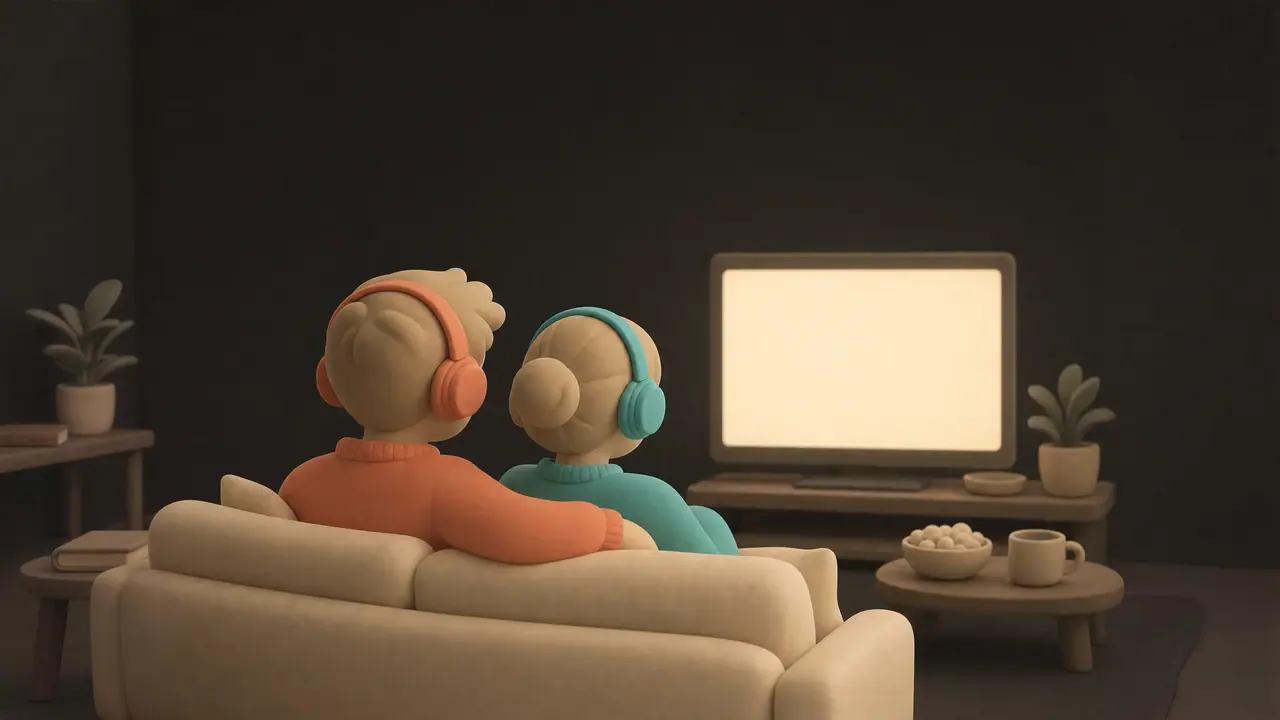
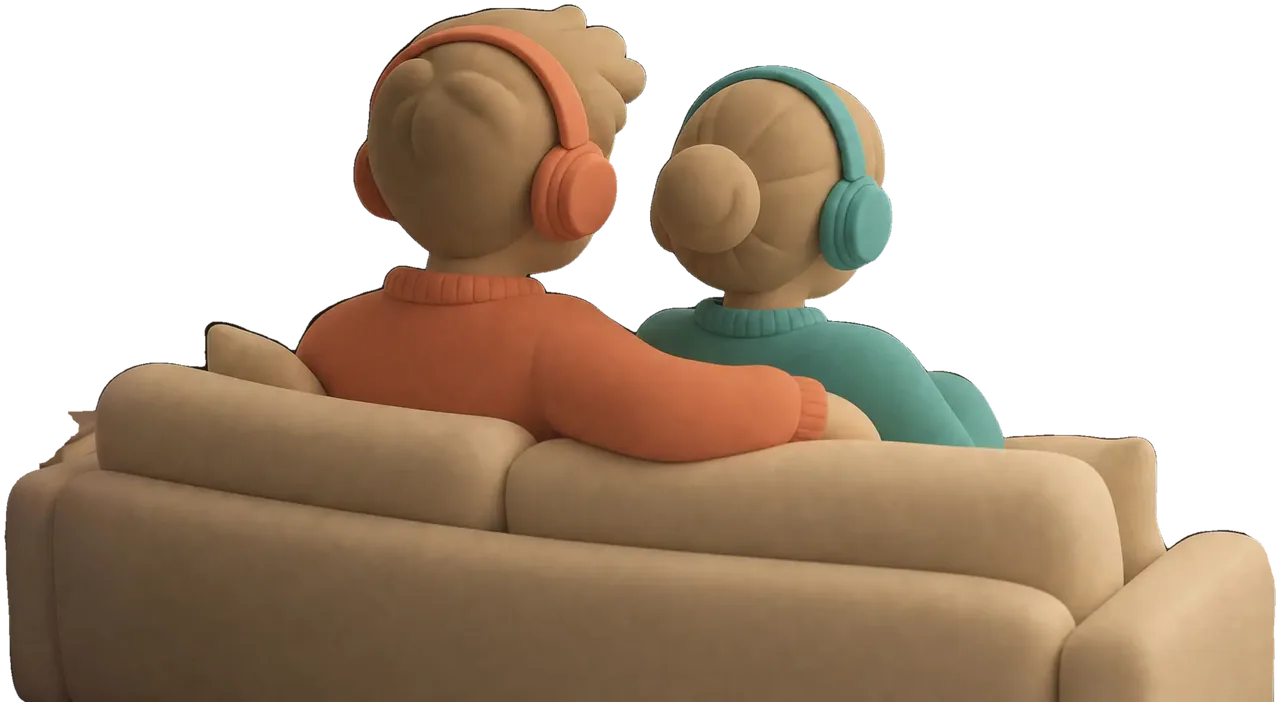
Two clay figures seen from behind on a cream sofa, one in a coral sweater and coral headphones, one in teal, watching a glowing TV in a dark, warm room.

One of you reads. One guesses.

Subtitles all evening for one of you. A joke that lands a second late for the other.

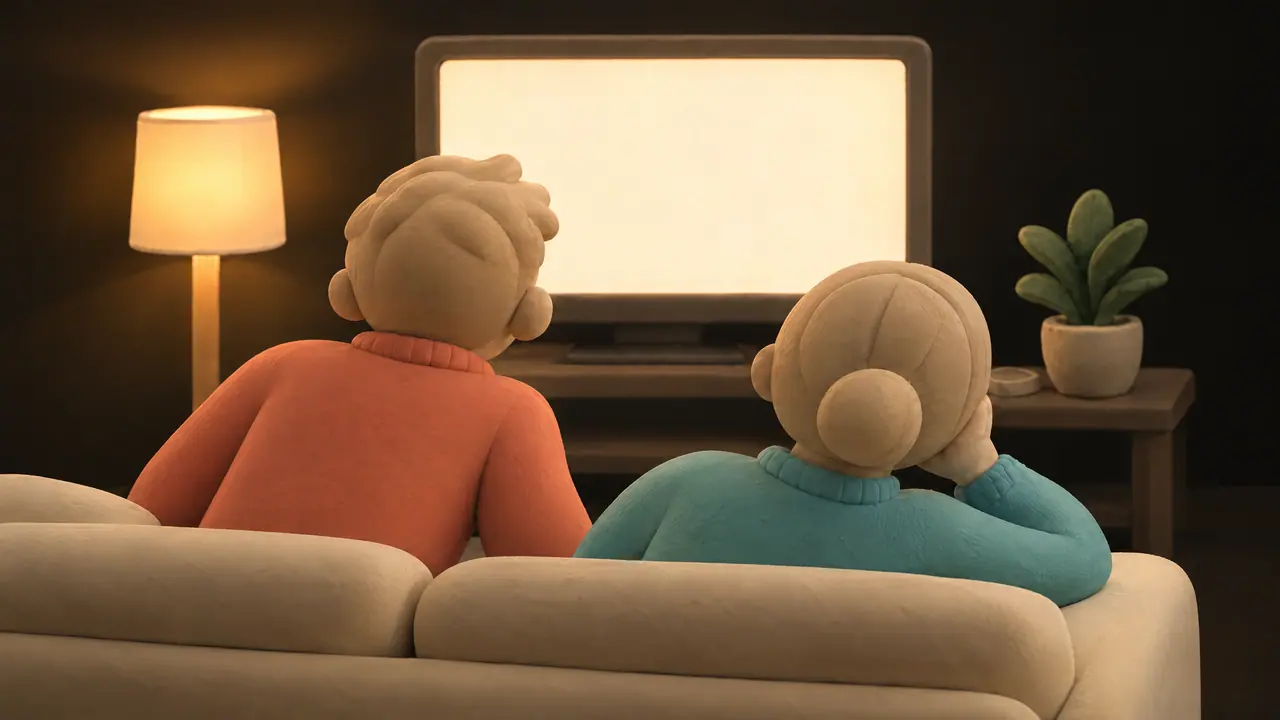
Two clay figures seen from behind on a cream sofa, watching a glowing TV with two lines of subtitles. The one in coral leans forward to read; the one in teal rests a cheek on one hand. A floor lamp is on.

You said you'd call. Ты обещал позвонить.

Same scene. Your own language.

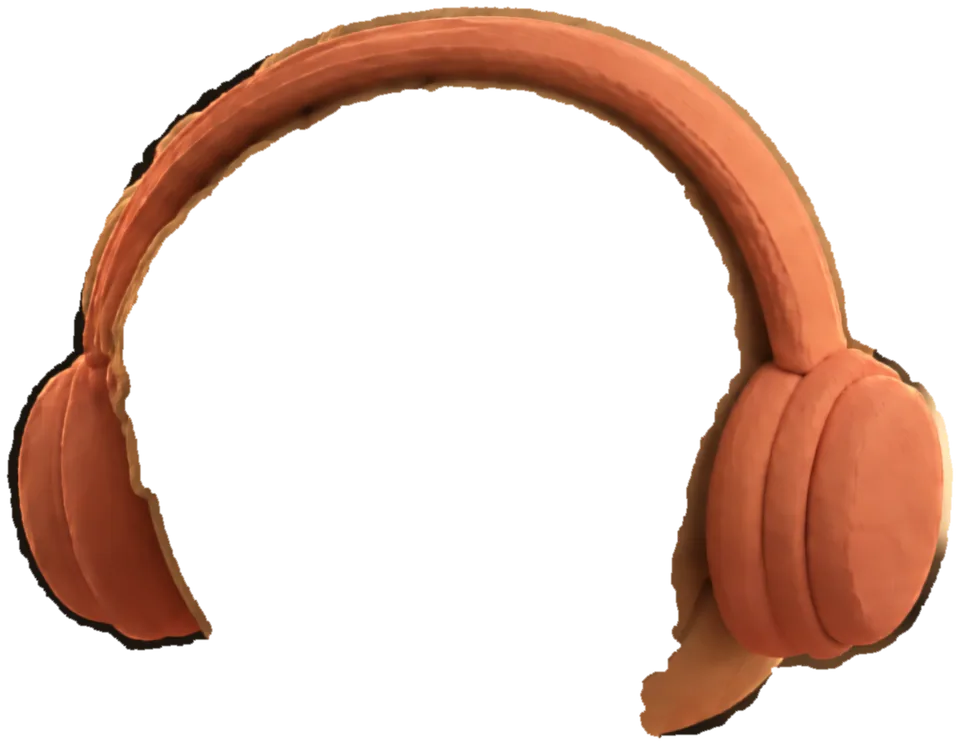
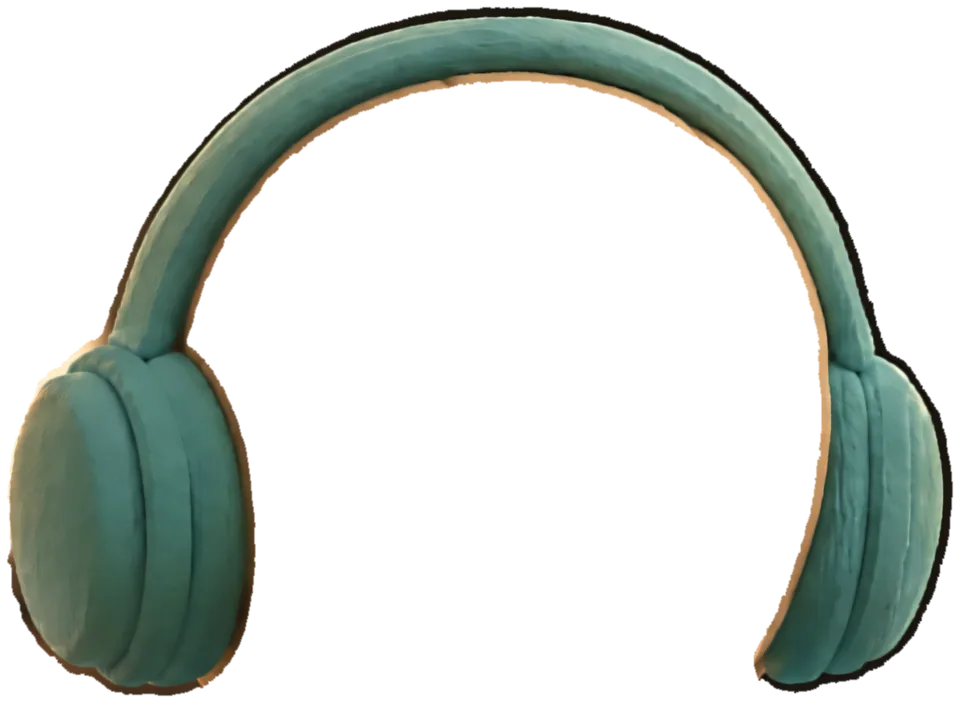
Pick a pair of headphones to hear that seat. The moment stays, only the voice changes.

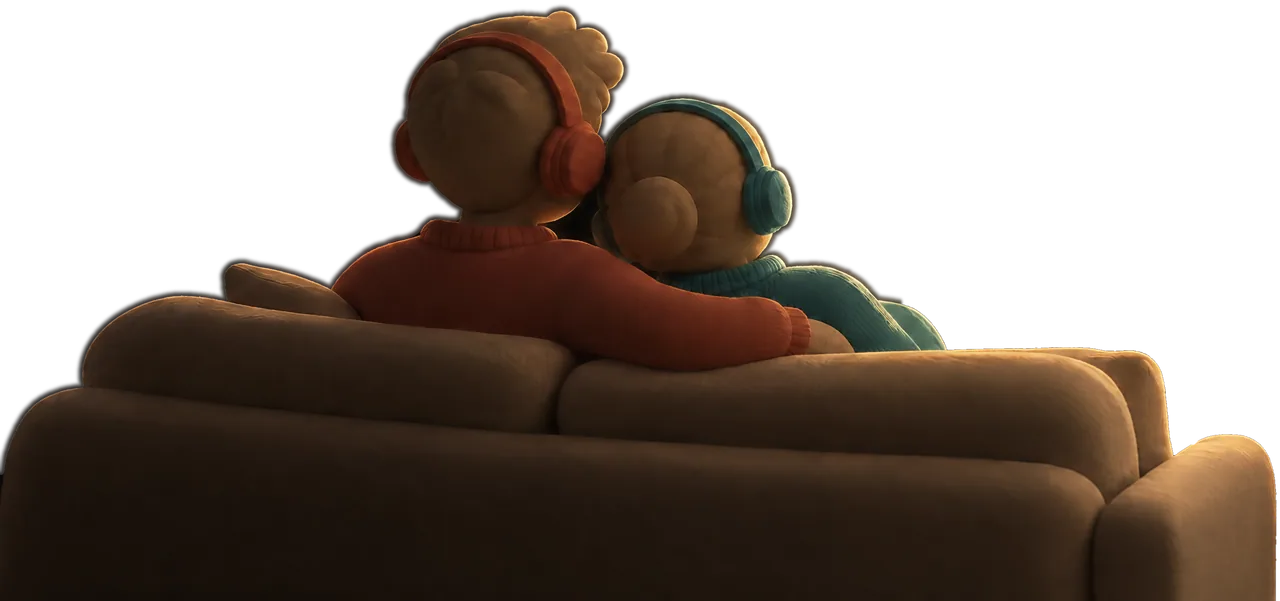
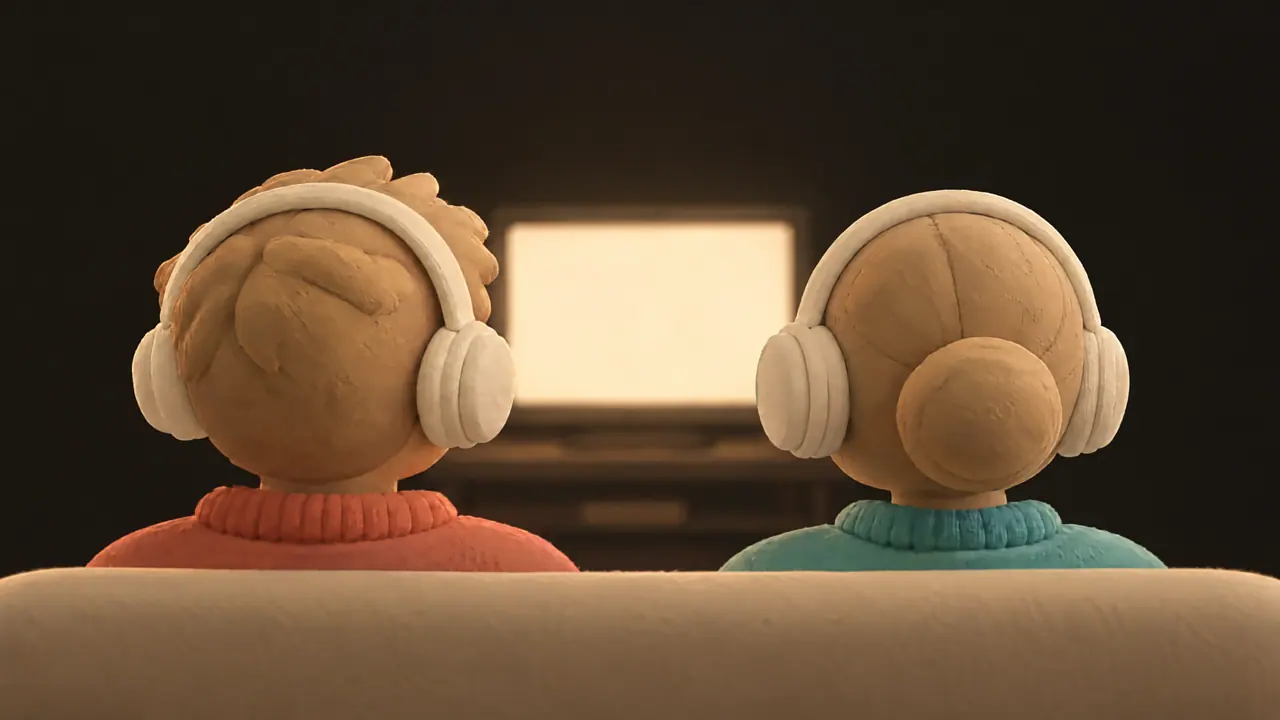
A close-up from behind two clay heads wearing headphones, coral on the left and teal on the right, with a glowing TV between them.

English in your left ear, Russian in your right.

Arrow keys switch seats. Space plays and pauses.

English

  1. 0:00It's late, I know. I just wanted to hear your voice.
  2. 0:06No, nothing's wrong.
  3. 0:09Look outside. It's snowing.

Русский

  1. 0:00Поздно, я знаю. Просто хотела услышать твой голос.
  2. 0:06Нет, всё хорошо.
  3. 0:09Посмотри в окно. Идёт снег.

Our own recording. Nothing here comes from a streaming service.

Press play once. You both start.

Pause for snacks or skip back a scene. The other window follows, so close you can't tell.

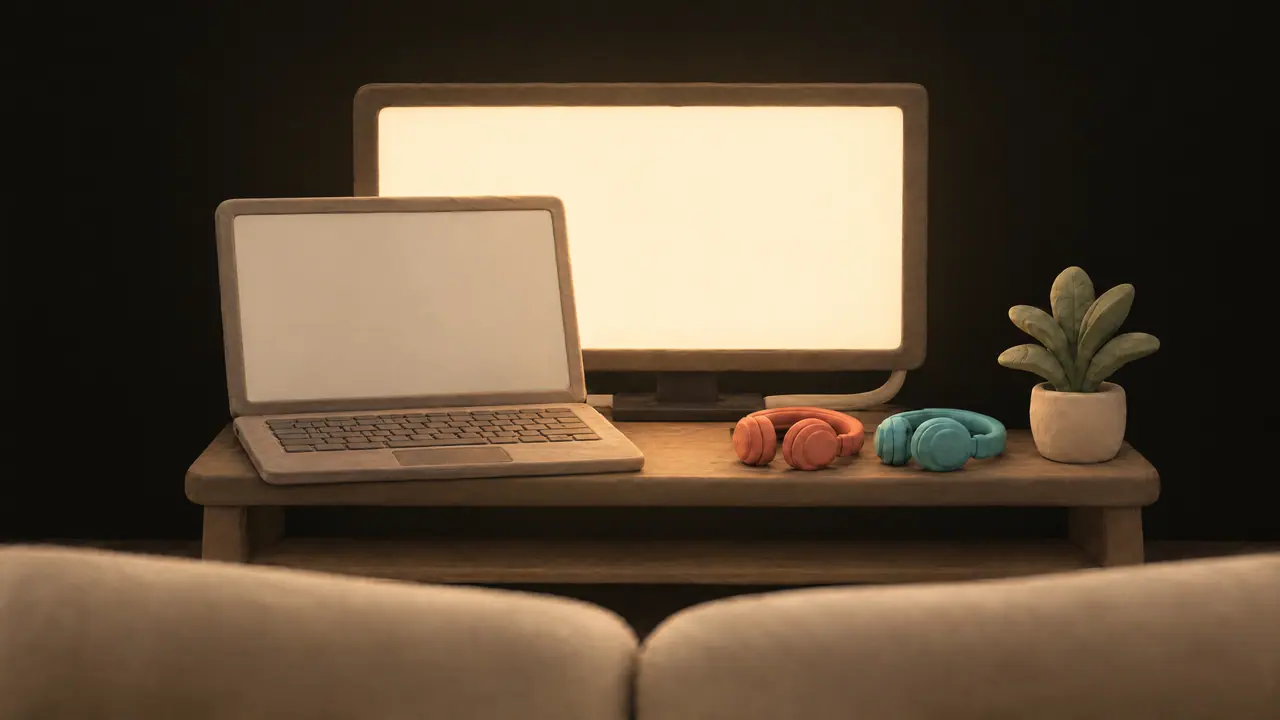
A clay laptop open on a wooden TV stand in a dark room, a cable running to the glowing TV behind it, a pair of coral and a pair of teal headphones resting beside it.

Set it up once. Five minutes.

Three small steps, on the first evening only.

  1. Dima gets a Chrome window of his own.

    DuoDub shows you exactly where to click.

  2. One link joins the two windows.

    Open it in Dima's window and they find each other.

  3. A soft chime plays. Hear it? That's yours.

    Anna · AirPods

    Chrome shows headphone names only after you allow the microphone. DuoDub switches it off at once. Nothing is recorded.

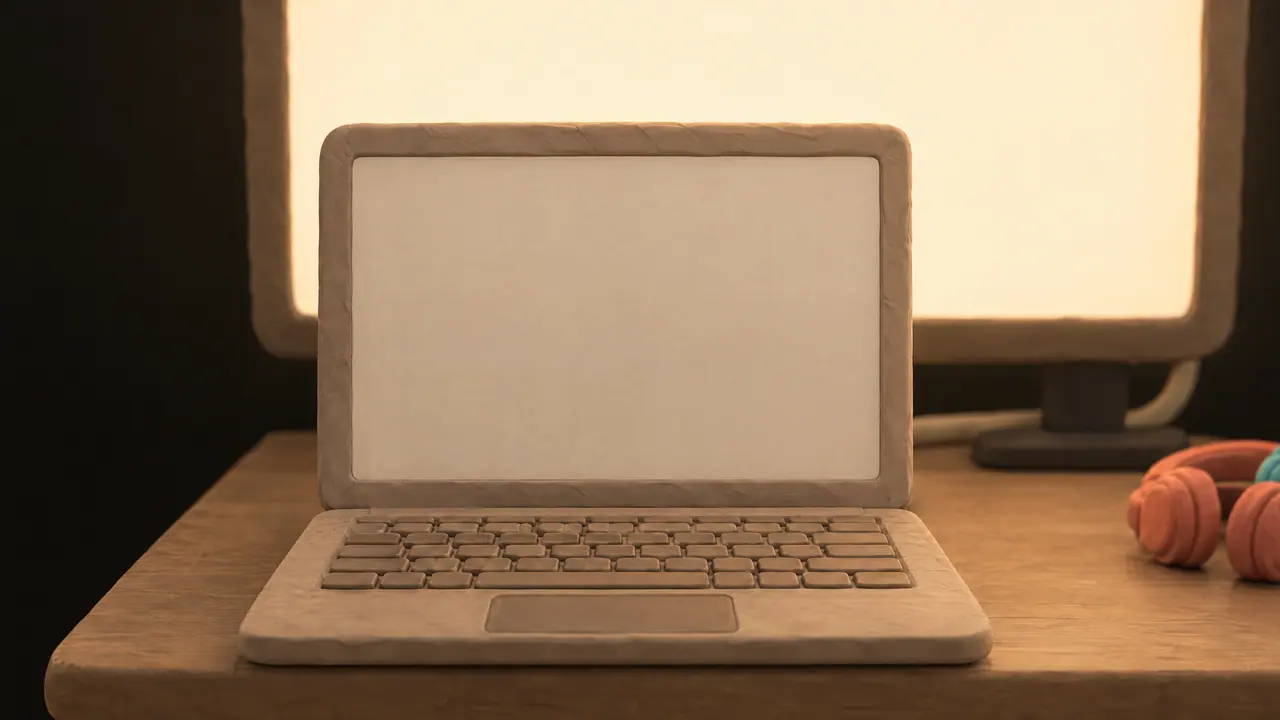
A close view of the clay laptop on the TV stand, its screen lit and waiting, the TV glowing behind it and a pair of coral headphones at the edge.

Every evening after: open Netflix, press play.

Your film stays on your computer.

Only short notes like play, pause and the time pass between your windows. Never the picture, never the sound.

The clay laptop's screen up close, with two windows side by side: each holds its own picture and sound, and only small notes pass along a line between them.
  • Someone pressed play. The other window starts on the same second.
  • Someone paused. The other window stops on the same second.
  • Where you are in the film, so both windows stay together.
  • What you are watching, so the next episode follows in both.
Point at a note to see what it carries. Tap a note to see what it carries.
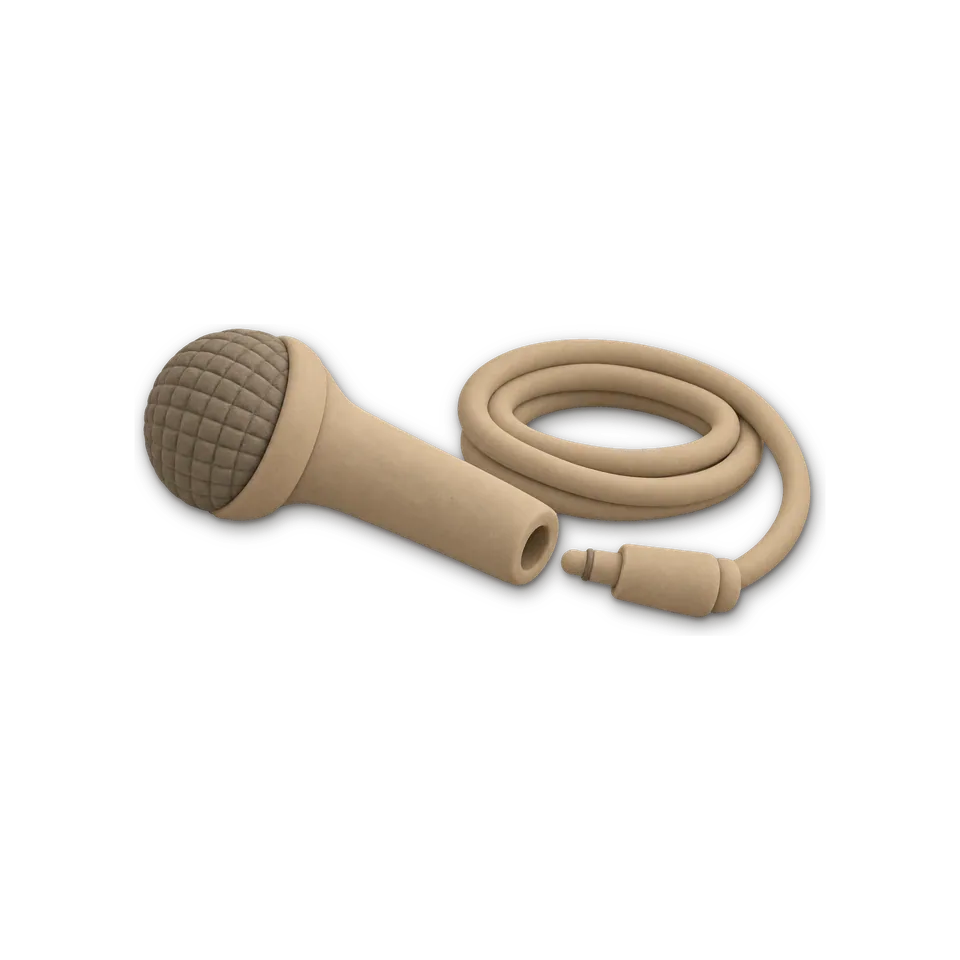
A clay microphone lying on its side, its plug pulled out and resting beside it.

The microphone, for a moment.

Only so Chrome can name your headphones. DuoDub switches it off at once. Nothing is recorded.

No tricks with the player.

DuoDub presses the service's own play, pause and seek, and picks each window's headphones.

Nothing to sign up for.

No DuoDub account, no ads, no tracking. We earn from the price, never from your data.

Netflix tonight. More channels coming.

We add one service at a time and test it on our own sofa first.

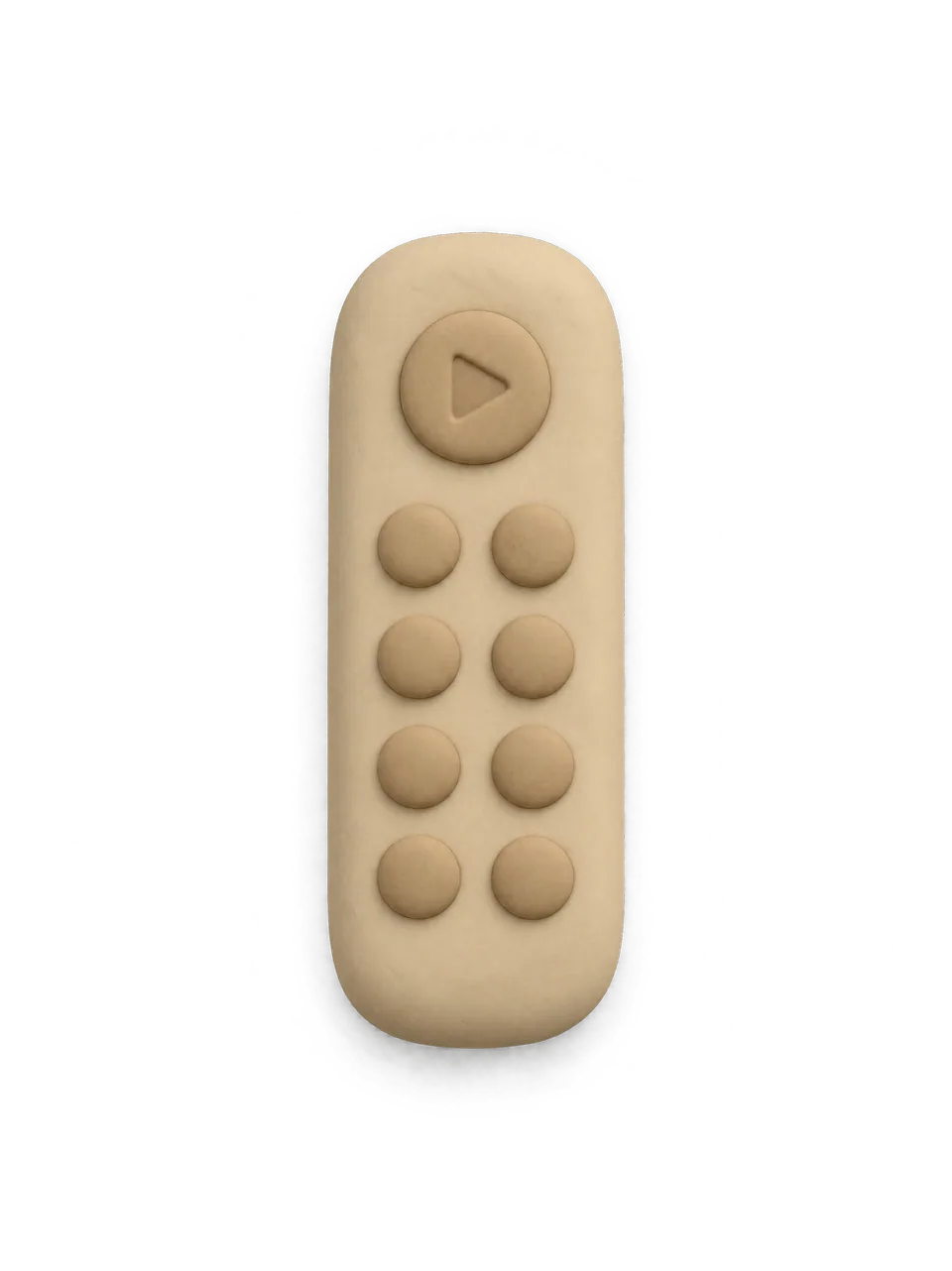
A clay TV remote seen from above, with a round play button and eight round buttons.
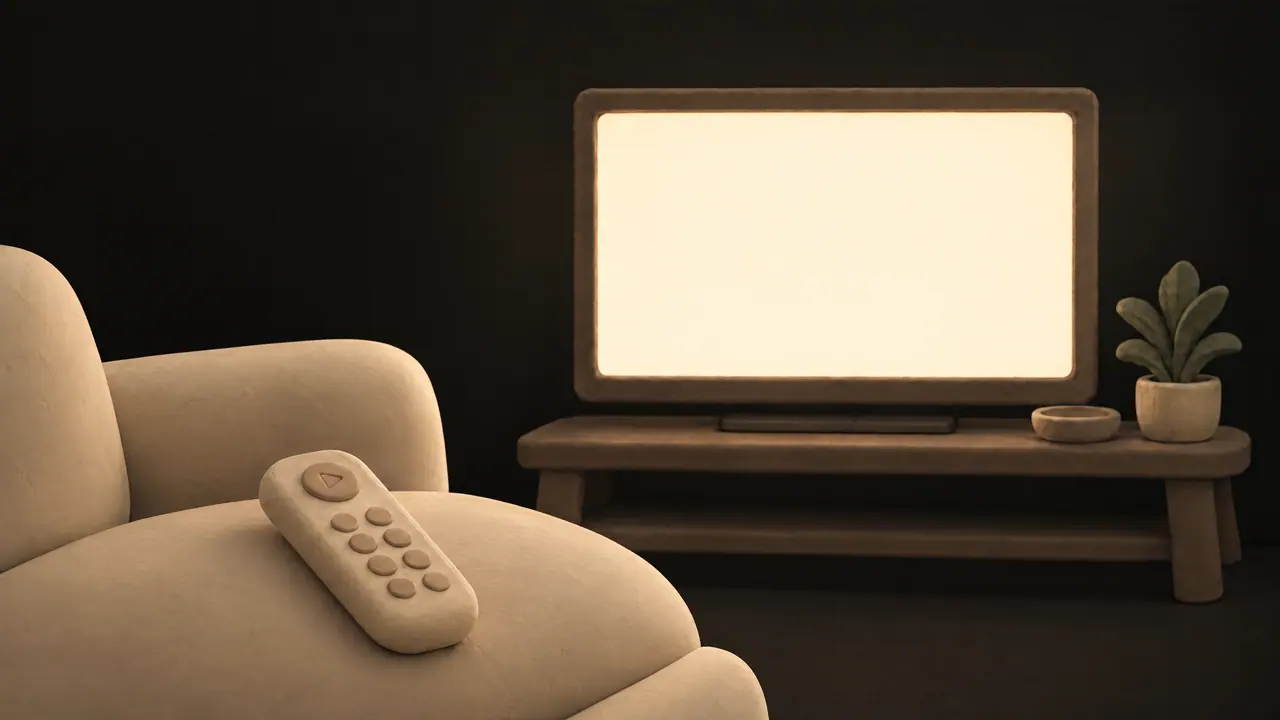
A clay TV with a glowing cream screen on a low wooden stand in a dark room.

Works tonight.

Tuning in. We're testing it now.

Tell me when it works

Next in line.

Tell me when it works

Next in line.

Tell me when it works

Next in line.

Tell me when it works

Later. We need testers where it's available.

Tell me when it works

Later. We need testers where it's available.

Tell me when it works

Later. We need testers where it's available.

Tell me when it works
  1. Netflix

    Works tonight.

  2. HBO Max

    Tuning in. We're testing it now.

    Tell me when it works
  3. Apple TV

    Next in line.

    Tell me when it works
  4. Crunchyroll

    Next in line.

    Tell me when it works
  5. Prime Video

    Next in line.

    Tell me when it works
  6. Disney+

    Later. We need testers where it's available.

    Tell me when it works
  7. Paramount+

    Later. We need testers where it's available.

    Tell me when it works
  8. Peacock

    Later. We need testers where it's available.

    Tell me when it works

Every channel here is included in the $9.99 you pay once. Languages depend on each service's catalogue in your country.

Watching somewhere else? Tell us where

Two clay mugs, one coral and one teal, on a small round wooden table next to a bowl of snacks, in a dark, warm room.

We built this for our own sofa.

One of us thinks in English, the other in Russian. For a long time, movie night meant one of us reading subtitles and the other pretending to follow. We tried two laptops, two phones, counting to three and pressing play together. It never lasted past the first pause.

So we built DuoDub. Now we pick a film, put on our headphones and just watch.

If it gives you your evenings back too, your $9.99 keeps it running and pays for every service we add.

See you on the sofa.

The two of us behind DuoDub

Anna and Dima are drawn from our own evenings.

Admit two. Paid once.

$9.99 once

Founding supporter

  • Try it free for 3 days first, no card.
  • Netflix today, and every service we add later
  • Yours for as long as DuoDub runs
  • One key covers both windows
  • Key by email; paste it into DuoDub once
  • Needs Chrome on a computer and a Netflix plan with two screens at once

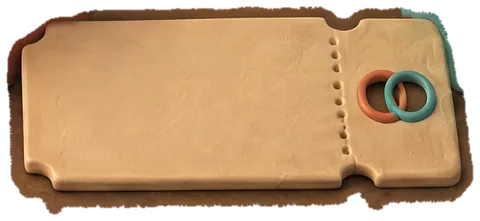
A small clay table with two mugs, one coral and one teal, a bowl of snacks, and a cream ticket lying between the mugs.

Founding price for our first 500 supporters. After that, DuoDub will be $19 a year.

Works on Netflix today Chrome on Mac or Windows

Get DuoDub · $9.99 once

DuoDub runs in Google Chrome.

You’ll add it to Chrome on your computer later. The link comes by email.

  • Secure checkout by Stripe. Tax included. Your key shows on the next page and comes by email.
  • Changed your mind? Full refund within 7 days: write to support@duodub.app.
  • Buying it for your parents? The key works on their computer.
What it doesn’t do yet
  • Phones and TV apps
  • Services other than Netflix (not ready yet)
  • It can’t add a language a title doesn’t have
The terms, in plain words
A small clay table with two mugs, one coral and one teal, a bowl of snacks, and a cream ticket lying between the mugs.

The questions couples ask us.

Something we missed? Ask us

Does it record anything?

No. Chrome shows your headphones' names only after you allow the microphone. DuoDub switches it off at once and records nothing.

Why does Chrome's question mention Netflix?

DuoDub asks from inside the Netflix page, so Chrome names that page. The microphone only unlocks your headphones' names and is off again at once.

Does Netflix keep the microphone permission?

Yes, until you remove it. Chrome gives the Allow to netflix.com, the page DuoDub asks from, and keeps it even after you remove DuoDub. DuoDub can't remove it for you. To remove it, do this in both of your windows: open netflix.com, click the icon left of the address, open Site settings, and set Microphone to Ask. Chrome shows a red dot on the tab whenever a page uses the microphone.

DuoDub, support@duodub.app

Do we need two Netflix accounts?

No. One account is enough. DuoDub uses two Netflix screens at once, one for each window, so your plan needs two. If Netflix signs the second window out, DuoDub tells you, and you sign in there again.

Will Netflix email about a new sign-in?

It may. When your partner's window signs in, Netflix may email the account owner or ask for a code. That's you, not a stranger, and DuoDub never signs in for you. If the account is someone else's, tell them first: the code may go to them.

Do we need two computers?

No. One computer with two Chrome windows, each playing to its own headphones. Plug a laptop into the TV if you like.

Does it work on TV apps, phones or tablets?

No. DuoDub runs in Chrome on a computer. For the big screen, connect the laptop to the TV with a cable.

Which headphones work?

Any pair your computer can play to: AirPods, other Bluetooth headphones or wired ones. One of you can also listen on the speakers.

Which languages can we choose?

Any audio language Netflix offers for that title in your country. DuoDub can't add a language the title doesn't have.

Why do we sometimes hear the original language?

Netflix leaves some scenes and episodes undubbed. There you hear the original language, or no voices at all. To check your headphones, click DuoDub in the toolbar, tap your name, then press Play sound.

Can one of us watch alone some nights?

Yes. In your window, open DuoDub from Chrome's toolbar and press Not tonight. DuoDub is back on by itself in the morning. If you switch DuoDub off on Chrome's extensions page instead, switch it back on in both windows.

Does it work on Windows?

Yes. DuoDub runs in Chrome on Mac and Windows. Windows is the newer of the two for us, so if anything seems off, write to support@duodub.app and we'll help, or refund you within 7 days.

What if Netflix changes its player?

Then DuoDub may stop working until we update it. The update reaches your Chrome by itself, with nothing to reinstall.

DuoDub, support@duodub.app

DuoDub keeps saying Reconnecting. Is it broken?

Usually not. Your pairing is safe, and DuoDub reconnects by itself once the connection is back. Please don't forget the pairing or reinstall DuoDub: then you'd have to pair again. If the problem is on our side, a note at the top of these questions says so. If it lasts more than a few minutes, write to us.

DuoDub, support@duodub.app

Can we try it first?

Yes. 3 days free, no card. If you like it, $9.99 once.

How do I pay?

Add DuoDub to Chrome for free from the Chrome Web Store. After 3 days, DuoDub asks for $9.99 once, right in Chrome. Or buy it now. Your key shows on the page right after you pay. Paste it in DuoDub: click “I have a key”, or open Details, then Licence. One key covers both windows.

Is $9.99 really once?

Yes, for our first 500 supporters. You get every service we add, for as long as DuoDub runs. After that, DuoDub will be $19 a year.

DuoDub, support@duodub.app

Can we get a refund?

Yes. Within 7 days of buying, write to support@duodub.app.

Is this allowed?

We believe so. DuoDub doesn't copy, record or unlock anything. It presses Netflix's own play, pause and seek, and picks each window's headphones.

DuoDub, support@duodub.app

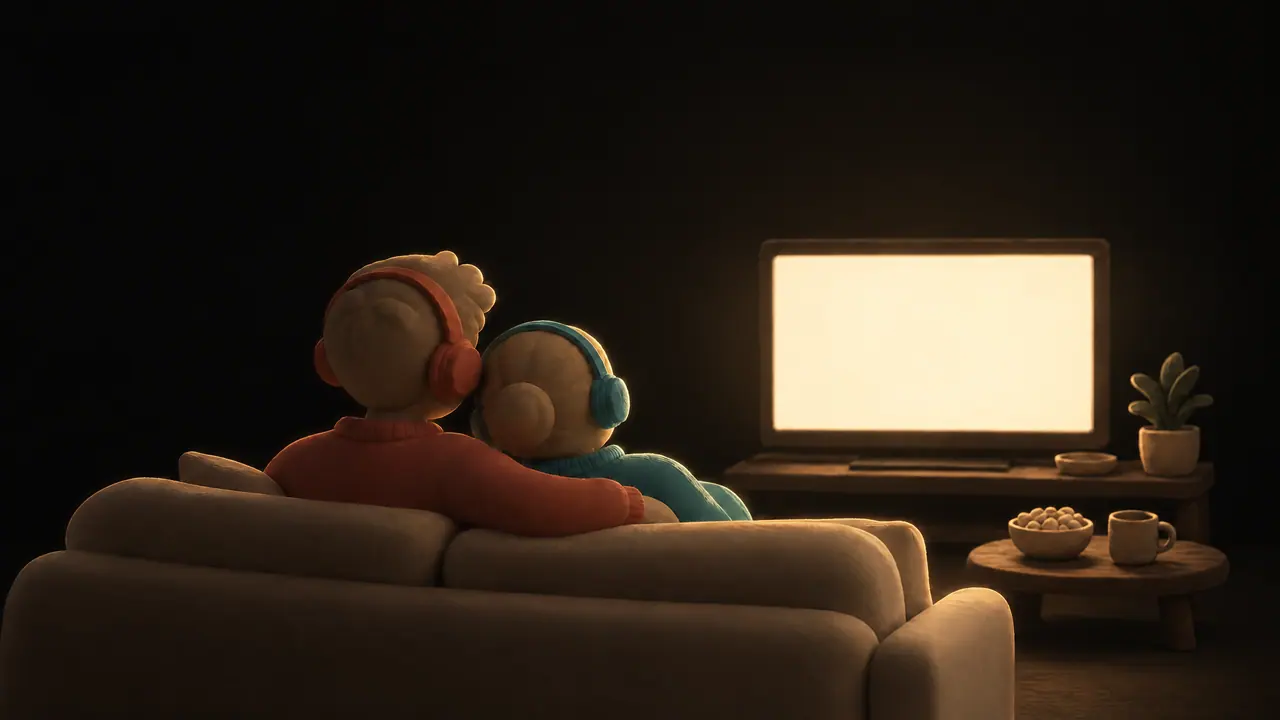
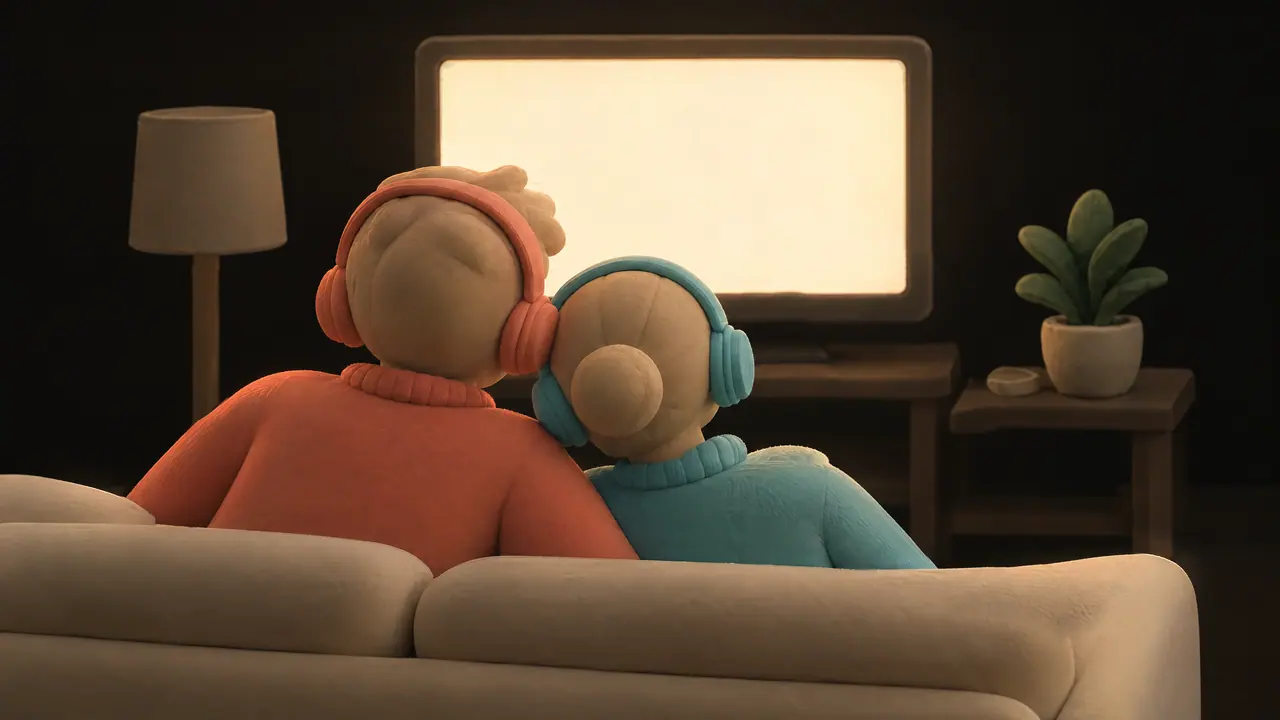
Late at night, the same clay couple on the sofa with the lamp off, heads leaning together in coral and teal headphones, lit only by the TV.

Same film tonight?

Five minutes to set up, once. Works on Netflix today.

Works on Netflix today Chrome on Mac or Windows

Try it free for 3 days

3 days free, no card. Then $9.99 once.

DuoDub runs in Chrome on a computer.

DuoDub runs in Google Chrome.

Remind me tonight